



Download Adobe Express APK – free design tool, social media graphics, mobile design app, Adobe Creative Cloud Express, template-based design, marketing creatives, AI-powered design, quick content creation, graphic design app
Overview
Adobe Express, formerly known as Creative Cloud Express, is a mobile-focused graphic and design application developed by Adobe Inc, a leader in multimedia and creative solutions. Designed for both professionals and non-designers, the app enables users to create high-quality visual content for social media platforms with minimal effort. Its primary purpose is to streamline the design process for marketing creatives, small business owners, content creators, and social media managers who need to produce consistent, visually appealing graphics quickly.
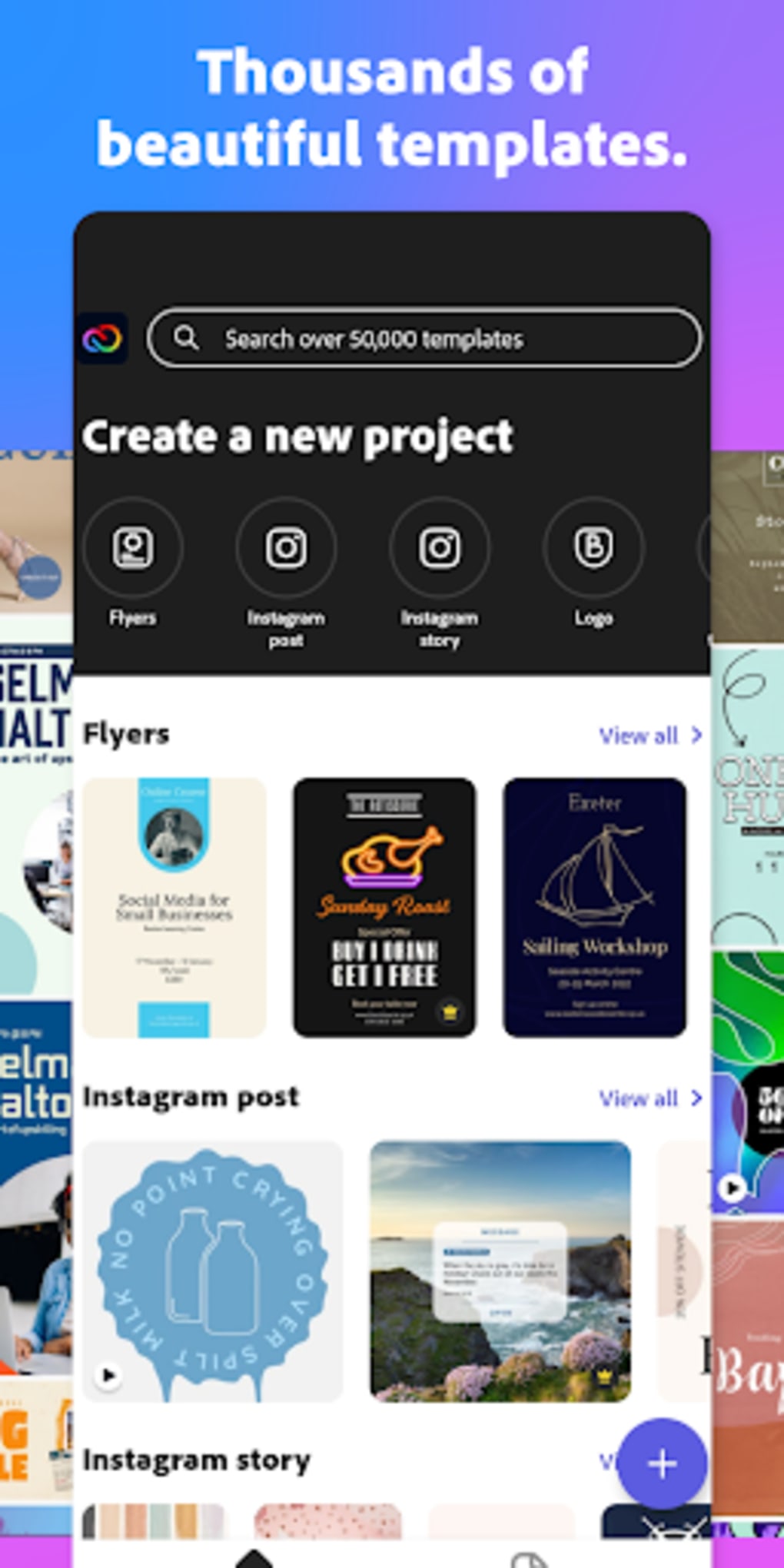
The app supports the creation of a wide range of content types, including social media posts, banners, flyers, ads, collages, invitations, and custom thumbnails for stories and reels. With access to approximately 30,000 professionally designed templates, users can customize visuals in just a few taps. Content can be tailored to specific platforms, with automatic size adjustments based on the target network.
The app also supports video creation, animation, logo design, and brand kit development using AI-powered tools. All projects are synchronized across devices via Adobe Cloud, ensuring continuity and backup. The developer did not provide additional system requirements or detailed performance metrics.
The app is available for free on the Google Play Store, with a premium subscription offering expanded access to features and templates.
Key Features & Capabilities
- 30,000+ Professional Templates – Access to a vast library of pre-designed templates tailored for platforms like Instagram, Facebook, TikTok, and YouTube, allowing rapid content creation without starting from scratch.
- AI-Powered Design Tools – Utilizes artificial intelligence to assist in tasks such as auto-layout, image enhancement, text-to-image generation, and branding suggestions.
- One-Tap Platform Optimization – Automatically adjusts content dimensions based on the target social media platform, ensuring optimal display and reducing manual resizing.
- Advanced Text Customization – Offers shadow, outline, cut-out, and background visibility effects to make text stand out and integrate seamlessly with images.
- Multi-Format Support – Allows importing and exporting files in common formats including JPG, PNG, MP4, and GIF, facilitating easy sharing and integration with other tools.
- Brand Kit & Logo Creation – Enables users to build and save brand-specific design elements such as color palettes, fonts, and logos for consistent visual identity.
- Direct Social Media Sharing – Provides in-app sharing to platforms like Instagram, Facebook, and others, streamlining the publishing workflow.
- Cloud Sync Across Devices – All projects are automatically saved and synced to the Adobe Cloud, allowing uninterrupted work across mobile, desktop, and web.
These capabilities are particularly beneficial for marketers, influencers, and small business owners who need to maintain a consistent visual presence across multiple platforms. The ability to generate content quickly using templates and AI tools reduces production time while maintaining professional quality. The app’s integration with Adobe’s ecosystem enhances workflow efficiency, especially for users already invested in Adobe’s creative suite.
User Interface, Workflow & Performance
The user interface of Adobe Express is designed with simplicity and speed in mind. The layout emphasizes intuitive navigation, with clearly labeled sections for templates, projects, and tools. The workflow begins with selecting a template or starting a blank canvas, followed by customizing text, images, and effects through a clean, touch-friendly interface.
The app supports drag-and-drop functionality for image placement and text editing, enabling fast iteration. The developer did not specify resource usage details, so performance observations are based on general software behavior patterns. However, users can expect smooth operation on modern Android devices with sufficient RAM and storage.
Stability appears to have improved over previous versions, with fewer reported crashes or app-breaking issues. The app maintains responsiveness during editing sessions, even when applying multiple effects or exporting larger video files. Cloud sync occurs automatically in the background, ensuring that projects are always up to date.
The overall workflow is optimized for mobile use, prioritizing speed and accessibility without sacrificing creative control.
Compatibility & System Requirements
Adobe Express is available for Android devices and requires version 2.2.0 of the application. The installation size is 124.3 MB, which is relatively compact for a feature-rich design tool. The app is designed to run on modern Android smartphones and tablets, though the developer did not specify exact hardware requirements such as minimum RAM, CPU, or storage.
Compatibility information was partially provided, and users are advised to ensure their device meets standard Android app requirements. The app supports a wide range of Android versions, but specific details were not included in the provided data. No information was provided about support for other operating systems, though Adobe Express is known to be available on desktop and web platforms as part of Adobe’s cross-device ecosystem.
For users seeking the latest version, updates are delivered through the Google Play Store.
Pros and Cons
Pros
- Extensive library of 30,000+ professionally designed templates
- AI-powered tools enhance design speed and quality
- Automatic platform-specific sizing for social media content
- Seamless cloud sync across mobile, desktop, and web
- Supports multiple file formats for import and export
- Intuitive interface ideal for non-designers
- Direct sharing to major social platforms
- Free to download and use with basic features
Cons
- Many advanced templates and editing tools are locked behind a premium subscription
- Resource usage details were not specified
- Full functionality may require Adobe Cloud account
- Some features are not available on all devices due to platform limitations
- Limited offline editing capabilities were not confirmed
FAQ Section
Is Adobe Express available for free?
Yes, Adobe Express is available for free on the Google Play Store. The free version includes access to a wide range of templates, basic editing tools, and cloud storage. However, certain advanced features and premium templates require a paid subscription.
Can I use Adobe Express offline?
The developer did not specify whether offline editing is supported. While some basic tasks may be possible without internet access, full functionality—especially cloud sync and template access—requires an active connection.
Does Adobe Express support video editing?
Yes, the app allows users to create and edit videos, including animations and custom thumbnails. It supports video export in formats like MP4 and GIF, making it suitable for social media content.
Is Adobe Express safe to download?
Adobe Express is a legitimate application developed by Adobe Inc. It is available through the official Google Play Store, which ensures it has been reviewed for security. As with any app, users should only download it from trusted sources.
How often does Adobe Express receive updates?
Updates are regularly released through the Google Play Store. The current version is 2.2.0, released on September 25, 2023. Users are encouraged to keep the app updated to access new features and security improvements.
Final Thoughts
Adobe Express delivers a powerful, accessible solution for creating professional-grade social media content on mobile. Its combination of AI tools, a vast template library, and seamless cloud integration makes it a standout choice for marketers, content creators, and small business owners. While the free version offers substantial value, users seeking full creative freedom will benefit from the premium subscription.
The app’s mobile-first design, intuitive interface, and cross-platform consistency enhance productivity without compromising quality. For anyone needing to produce high-impact visuals quickly and efficiently, Adobe Express stands out as a reliable and versatile tool. Download Adobe Express now and transform your social media presence with ease.






.png)
